iPad Browser Login

Hi All,

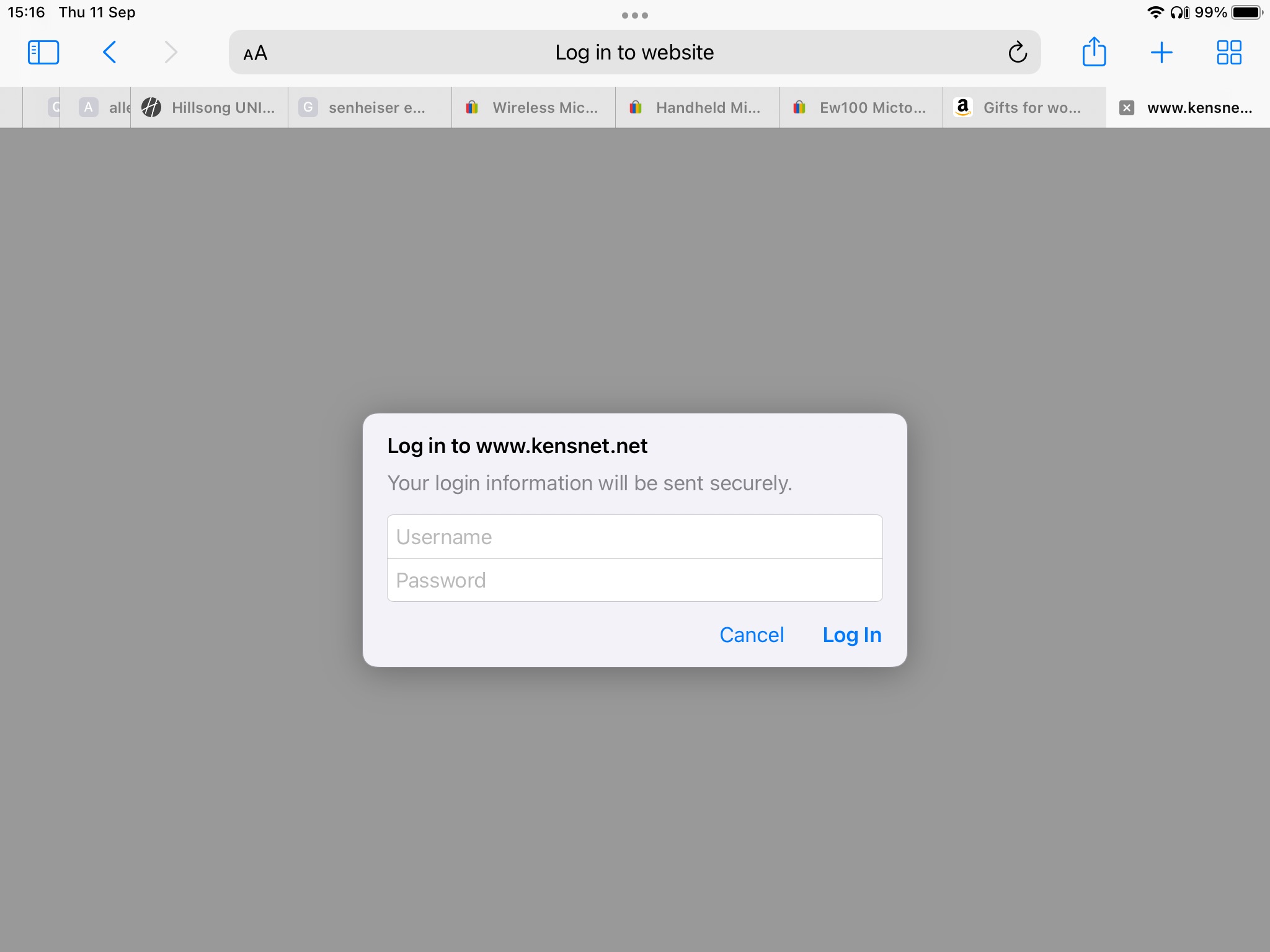
I’ve found on an iPad, whether with Safari or Opera browsers that I get an additional prompt for a Username and Password after completing the login screen. Even if I fill in the right credentials the prompt repeatedly re-appears.

Is there some setting I’m missing - or some workaround?

Thanks

Ken

Hi Ken.

Please take a screenshot for us.


What does the Access Log then say?
The same user works on a PC?
Does this only happen with one user?
Which iOS version?

We don’t know this problem like this.

Stefan

Thank you, IoS 15. Also happens on Android. Two images attached

image

file:///home/kens/ipad.png

This does not come from EGroupware.

You are not running a standard installation, right?:

Stefan

Yes Standard Docker install

What kind of web server is this then?:
www.kensnet.net/

Do you have a reverse proxy in front of it (not the one installed by EGroupware)?

Stefan

That’s an Apache reverse proxy. Browsers on Linux/windows & Mac PC’s connect to it without difficulty. Android/Chrome connects OK. Is this just an IoS anomaly?

Hi kens,

Sorry to bother you after a whole year, but one of my customer is confronted with the same trouble.
Did you found the origin of the credentials prompt ? Or a way to dismiss it once and for all ?

Thanks in advance,
mca

I abandoned the enquiry. However I have just tried again connecting to the IP of the VM I have running eGroupware and the login stalls at this splash page on both Opera and Safari browsers. ,

Thanks for your answer.
If I do find something, I’ll update this thread.

OK it appears that solving this case:
https://help.egroupware.org/t/new-calendar-entries-not-shown-after-saving/79999

resolves this one.

So thanks Stefan, by helping my comrade E2 you helped me on this one.

mca