Please note: These release notes will probably be supplemented in the next few days/weeks after they have been sent out by e-mail. So if in doubt, please read the current version in the forum!
Dear community, dear EGroupware users and developers,
we are pleased that EGroupware 26 is now, 09 Ferbruary 2026 available.
We have now almost completed our technical conversion. With this release, a lot will suddenly become visible in the user interface, after we have already replaced some parts in 23.1 over the last two years. Gradually, without it being particularly noticeable.
Another focus is the integration of AI and translation support. Only if you want to, and also with self-operated AI models. Digitally sovereign!
Through our work on the UI, we have also significantly improved accessibility. However, this is a broad field and will require further efforts in the future to better address people with disabilities.
Release Notes Maintanance Updates
The extended Release Notes of the Maintanance Releases (and the beta and pre-releases 26) are collected in this topics:
New features, preferences or other important things (since release) of EGroupware 26
in reverse chronological order.
Questions or suggestions?
If you have any questions or suggestions about this release notes, please post them in the forum. And please take into account:
 How do I report a problem/error correctly?
 Wie melde ich ein Problem/Fehler richtig?
Old release notes EGroupware 23.1
The release note from version 23.1 is linked here again:
EGroupware 23.1 Release Notes
New features, preferences or other important things (since release) of EGroupware 23.1 part 1
New features, preferences or other important things (since release) of EGroupware 23.1 part 2
These release notes are still worth reading to learn about features, settings, and configurations.
Further information, Newsletter, …
Announcement of new version & success stories
Ankündigung neue Version & Success Stories
EGroupware 26 website
EGroupware 26 Webseite
Pressemitteilung
Press Release
Please follow us, give us likes or stars: 





Perform the update
The update is triggered by installing a package update.
The package update sets the configuration to 26, download MariaDB 11.8 container (required for RAG) and downloads the 26.2 (actual) EGroupware Docker container.
The due database update is executed when the new Docker container is started for the first time.
That’s it 
Thus, it can be freely decided when the update is to be performed.
For a “manual” update only the version numbers must be adjusted in the Docker compose configuration file.
Further information:
Manual (container) update in a Docker installation
Manuelles (Container)-Update in einer Docker-Installation
We recommend testing the update on a test system.
In principle, however, it should also be possible to switch back to the last 23.1 container. Despite the changes to the database schema. In special/individual cases, however, this may not work. Therefore:
 It is absolutely necessary to create a backup of the system/database before the update!
On Debian 13, the release key may need to be re-imported. This is necessary if apt update reports an error due to SHA.
A
wget -nv https://download.opensuse.org/repositories/server:eGroupWare/Debian_13/Release.key -O - | tee /etc/apt/trusted.gpg.d/server:eGroupWare.asc
will fix the problem.
New apps and other important things in EGroupware 26.1
The order is arbitrary and does not represent any value or importance!
EGroupware Customizing
The article on EGroupware Customizing in the GitHub wiki has been revised:
EGroupware Customizing
The article now also contains a wealth of additional information on specific topics in version 26.
Release Model / New versioning scheme
The new release model based on a clear year-and-month scheme. EGroupware now delivers updates as a rolling release (As has been the case up to now…) with explicitly named major and maintenance updates.
KDots
The user interface is now called KDots.
Darkmode new
The changes to the user interface allowed us to redesign the dark mode (technically). The dark mode now looks much better. Just give it a try …
RAG/AI
EGroupware will support and use AI from version 26 onwards:
- Only if configured accordingly; without configuration, there will be no change.
There will be no obligation to use AI, and no data will be transferred externally if this is not desired.
- EGroupware GmbH will offer an AI service hosted in Germany by IONOS (planned).
- AI will be delivered through three applications that can be enabled independently of each other for individual users or groups.
The topic is divided into three areas:
-
RAG:
- In addition to semantic search (Retrieval Augmented Generation), it also provides a full-text index
- Allows searching across all (supported) EGroupware applications
- Full-text search and semantic search can be configured and activated independently of each other
- Semantic search requires access to a so-called embedding model; we recommend bge-m3
- AI Tools
- are available via the
 icon on all multi-line text fields and in the rich text editor (e.g. when composing emails)
- allow the content of the field to be translated or
- reworded: more or less formally
- generate standard replies to emails, which can then be refined manually
- alternatively, the popular
deepl.com service can also be used for translations
Some screenshots:
- AI Assistent
Not yet available with version 26.2. Will be available when ready
- Chat with an assistant who has access to all of a user’s EGroupware data. This allows questions to be asked of EGroupware using natural language, or new data (e.g. a contact) to be created.
- The AI chat can be made available in organisations, thereby ‘replacing’ free chatbots on the internet. It allows for a little more control over data that would otherwise be shared externally by employees.
The required AI models can be made available in various ways:
a) EGroupware GmbH offers a service hosted in Germany by IONOS and deepl.com for hosting and EPL customers as well as for community users.
b) Customers can host and integrate AI models on their own hardware via Ollama.
c) All offers with an OpenAI-compatible API can be integrated (please note the data protection regulations!).
MariaDB
With the package update or during a new installation, MariaDB will be upgraded to version 11.8. This is necessary in order to be able to use new table types for RAG.
With the package update or during a new installation, MariaDB will be upgraded to version 11.8. This is necessary in order to be able to use new table types for RAG.
If an external (Maria)DB is used, it should also be upgraded to version 11.8 if possible.
See also:
https://github.com/EGroupware/rag/blob/master/README.md#requirements-and-installation
In principle, other databases (PostgreSQL, etc.) should also work with EGroupware version 26. Just without RAG.
App selector
Apps are no longer opened from the left sidebar, but from an app selection menu, which can be accessed via the icon in the top bar:
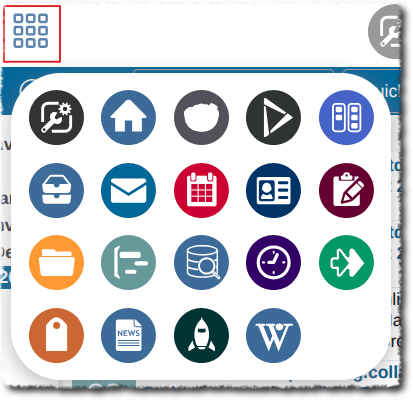
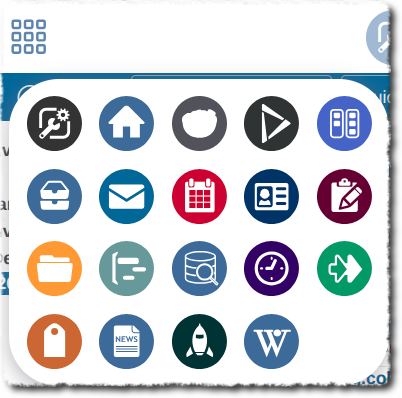
The display can be configured:
Display app names in the app chooser
The display can be configured:
Icons + text
Icons
Custom fields only in Admin
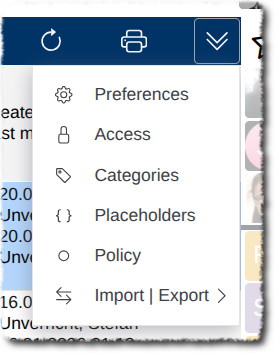
The menu item for user-defined fields is now only available in the app administration area.
The menu item in the respective app has been removed:
PHP 8.5
With EGroupware 26.2, PHP is upgraded to version 8.5.
App Menu
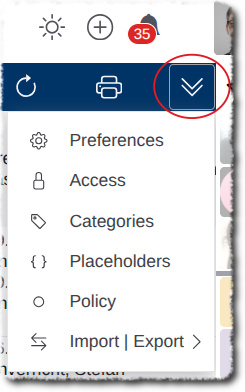
The respective app menu is now no longer located in the left sidebar, but in the app bar on the right as a drop-down menu:
Search, filters and favorites
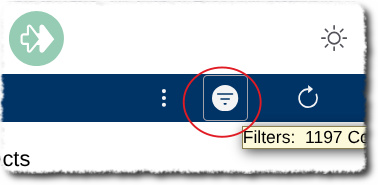
There is a new drop-down menu that combines search, filters and favorites. It can be accessed via an icon in the app bar:
Column selection
The column selection can now also be accessed via the aforementioned menu:
Collapse/expand left sidebar
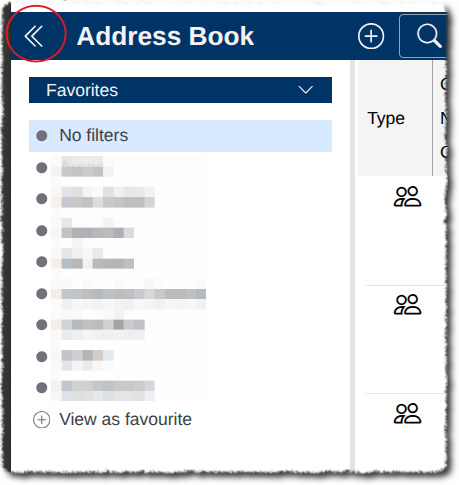
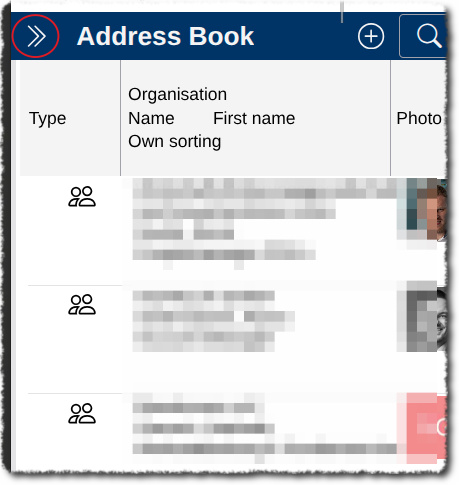
The left sidebar can now be expanded/collapsed using a new icon in the app bar:
Edit Toolbars
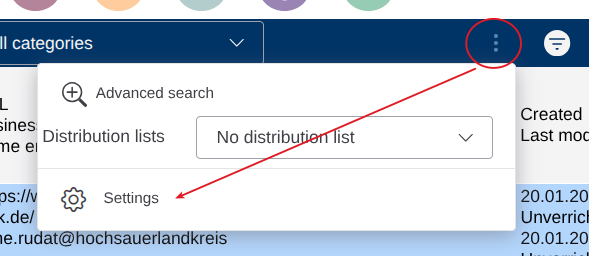
The settings for the toolbar can now be found in a submenu:
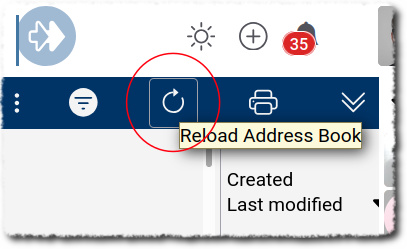
Reload
Reloading an app table now has its own, directly visible button:
Colour app icons
The icons in the app bar can be displayed with app colours or a uniform colour.
This can be configured:
With app colours:
With uniform colour
App colours and order
The app colour and order in the app chooser can be configured:
Select display letters in avatar
If no photo is saved in the contact, letters are generated for a colored avatar. How the letters are formed can now be configured:
Dialogue box as pop-up or in main window
Previously, dialogues were (almost) always opened in pop-ups, i.e. new browser windows.
It is now possible to open dialogue windows in the main window. This can be configured:
Example:
in Browser popup:
In main window:
Old deprecated apps: Update required
For version 26, the old apps must be updated(!):
https://github.com/EGroupware/egroupware/wiki/Running-own-apps-in-standard-Docker-installation#old-deprecated-apps-wiki-knowledgebase-
Miscellaneous
Professional support
As always, we offer professional support for update or migration:
Technical Services and Professional Support
We also offer this for users of the Community Edition!
Contact
=> Contact us



